
Bet88 App Download: Install Android APK & iOS Web App Safely
Enjoy fast gaming with the official Bet88 mobile app for Android and iPhone. Follow our easy tutorial below to install the APK file or add the iOS home screen shortcut in three minutes.
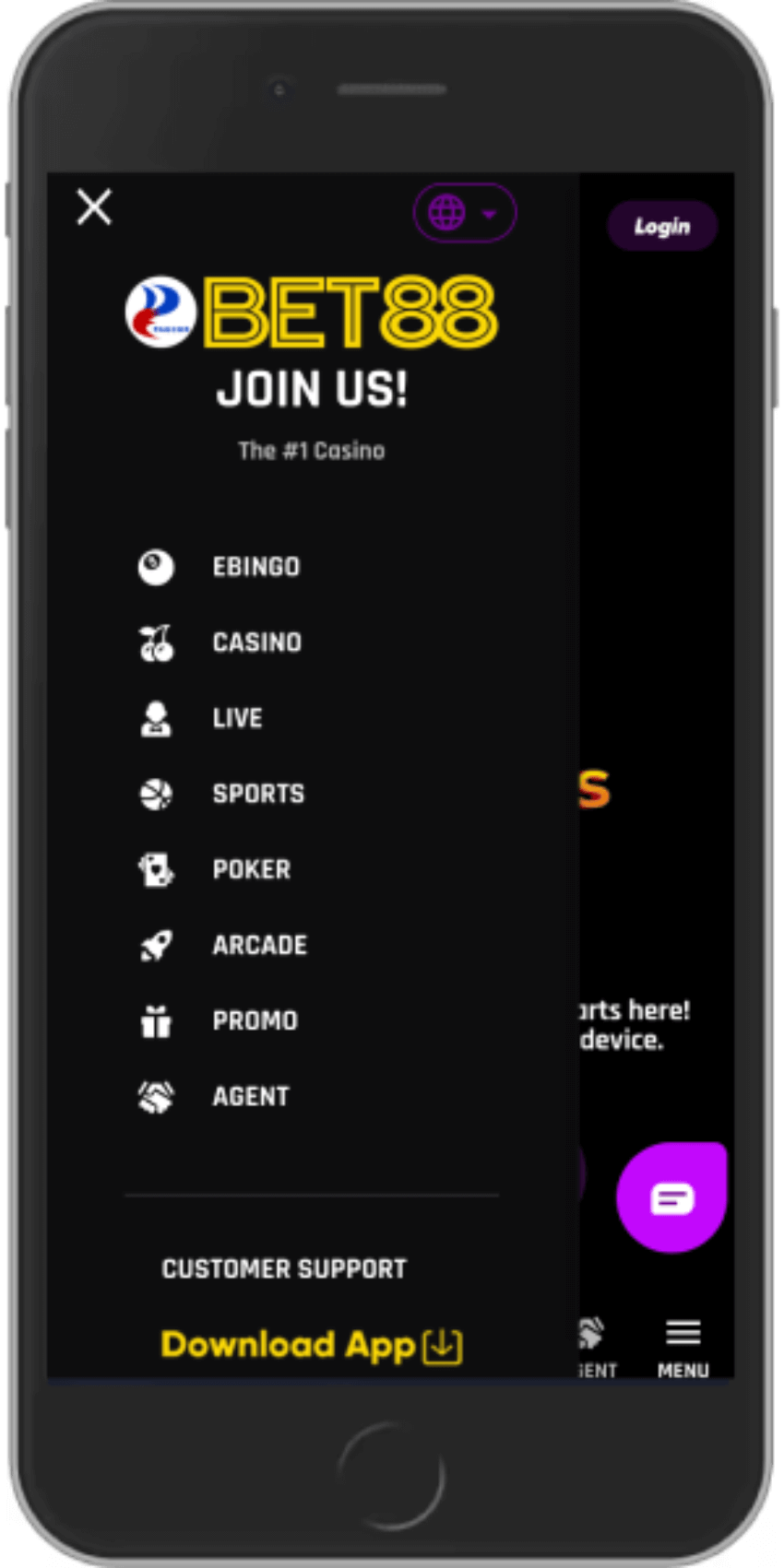
How to Download and Install Bet88 APK on Android
Because gambling apps are restricted on Google Play Store in the Philippines, Bet88 provides a direct secure APK file. It works on Android 7.0 and above.
Tap the download button below from your mobile browser to save the installer file (approx. 25MB).
If prompted, tap Settings and toggle on Allow from this source for your browser.
Tap Install when prompted. Once complete, open the Bet88 app from your home screen and sign in.
Get the Official Android App Now
Lightweight, virus-free installer direct from verified cloud servers.
How to Set Up Bet88 on iPhone and iPad (iOS)
On Apple devices, Bet88 runs as an ultra-fast Progressive Web App (PWA). You get full screen mobile play without taking up storage space.
Launch the official portal inside Safari on your iPhone or iPad.
Tap the Share button (the box with an upward arrow) at the bottom of your Safari screen.
Scroll down and tap Add to Home Screen. Tap Add in the top right to create the Bet88 app icon.
Experience High Speed iOS Gaming
Full screen HD graphics and instant biometric login on Safari.
App System Requirements & Feature Comparison
Both the Android APK and iOS PWA deliver identical access to all 1,500 games, live dealer tables, and instant GCash cashiers.
| Device Platform | System Specifications |
|---|---|
| Android OS | Android 7.0 or higher • 50MB free memory • 2GB RAM minimum |
| Apple iOS | iOS 13.0 or higher • Safari Browser • No storage footprint |
| Cashier Integration | Direct one-tap link to GCash and Maya mobile apps |
| Live Game Streaming | Low-latency 60fps HD video optimized for 4G and 5G networks |
Install and Play in Under 3 Minutes
Download the app today for smooth mobile casino action.
Frequently Asked Questions
Here are clear answers to the most common questions searched by Philippine players.